
Why Your Website Isn’t Ranking: 10 Issues We Find in Audits
By Gianna Stead | SEO Manager, Maisona | 6 min read
When a business owner asks why their website isn’t ranking, they expect a content problem or a budget problem. The real answer is usually cheaper and more annoying. In most audits the pages that should rank are not competing badly at all. They are missing from the index, or quietly competing against another page on the same site.
Maisona audits B2B websites in the construction, civil, industrial, and distribution sectors across Australia and New Zealand. Ten issues come up again and again, and you can check eight of them yourself without specialist tools. This article covers visibility, not conversion. If your pages already rank but the enquiries are not arriving, that is a different problem. The five friction points behind it sit in a companion piece on B2B website design that costs you leads.
Google Can't Find or Keep Your Pages
Roughly half the ranking problems we audit turn out to be discovery problems. Type site:yourdomain.com.au into Google before anything else. If the result count sits well below your actual page count, the ranking contest is happening without you.
Your Pages Are not Indexed
The Page indexing report in Search Console is where this surfaces. Google’s guidance is blunt about how to read it: an unindexed page is not necessarily broken. The work is reading the reason attached to each exclusion, not treating the count as a defect list. Two labels matter, and only on pages you want ranking. “Crawled, currently not indexed” means Google fetched the page and passed. “Discovered, currently not indexed” means Google knows the URL exists but has not visited.
One caveat on “Discovered, currently not indexed” at scale. When a large share of pages sit there, Google has often judged the site low value and cut its crawl allocation. This is common on sites publishing high volumes of thin or AI-generated content. That is a content problem, not a technical one, and no amount of internal linking will fix it. The rest of this article assumes your content is sound, which is what we find on most established B2B sites.
On B2B sites this most often hits service pages added during a rebuild that nobody linked into the navigation. The page is live and the copy is good. The only route to it is a URL somebody has to already know.
Your Crawl Directives Are Working Against You
Two settings decide whether Google may look at a page at all. A site-wide noindex belongs on a staging build, keeping the half-finished site out of search results. When the site goes live and the tag stays on, the whole site drops out of results at once. We have picked this up on sites that launched six months earlier and had been invisible the entire time. The marketing manager was blaming the agency that built it.
Robots.txt fails differently, because it controls crawling rather than indexing. Blocking a page this way does not reliably keep it out of search results. It also stops Google seeing any noindex directive on the page, which is the opposite of what most people intend. A disallow aimed at one directory can swallow an entire section when the path is written loosely.
Check both in five minutes. In WordPress, open Settings, then Reading, and look at the “Discourage search engines” checkbox. View your page source and search for the word noindex. Then read yourdomain.com.au/robots.txt. Anything under a Disallow line is a directory you have asked Google to skip.

Your Pages Compete Against Each Other
Nothing looks broken here, which is why it survives so long. Pages load, the copy is fine, and the site steadily splits its own authority across near-identical URLs.
Location Pages Built From One Template
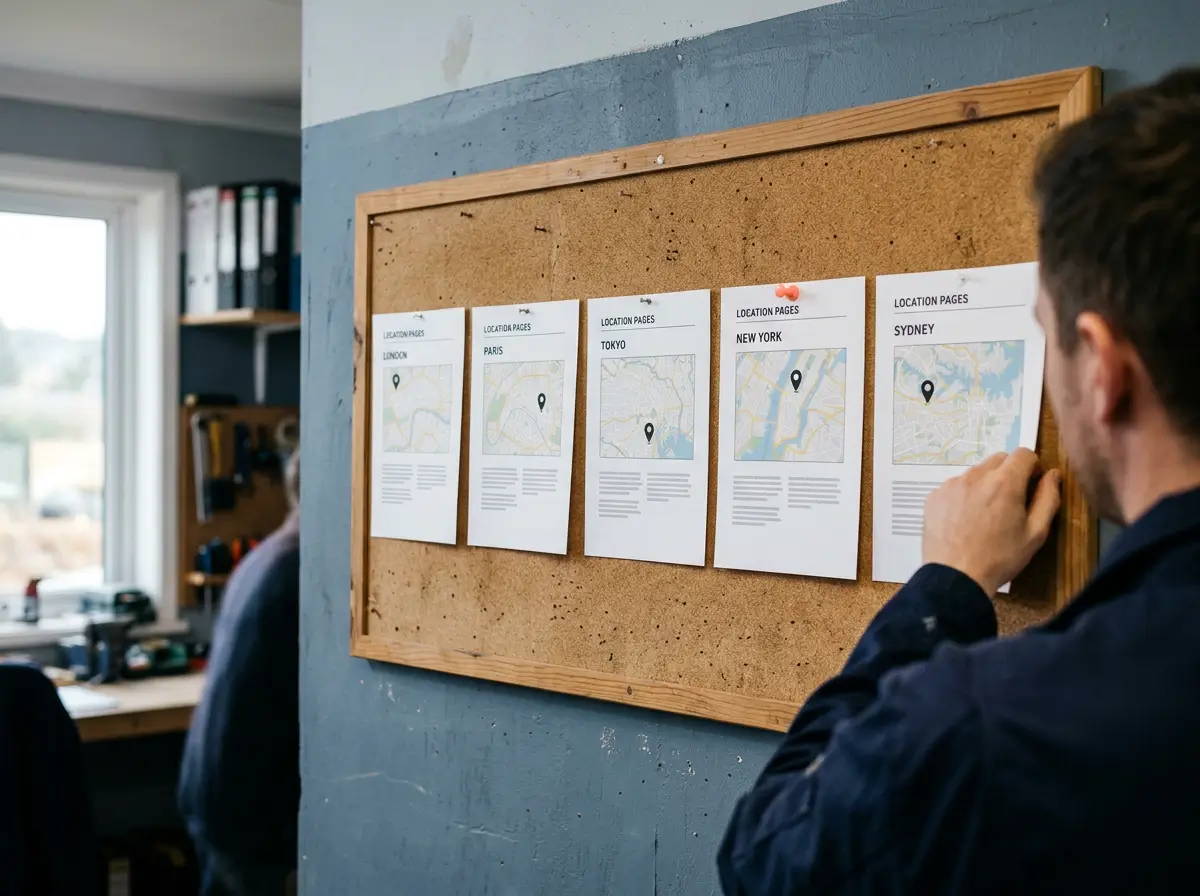
Template location pages are the most common cannibalisation issue Maisona finds on multi-city B2B sites. A service page for Sydney, then Melbourne, Brisbane, Perth, and Newcastle. Each runs the same 400 words with the suburb swapped. Google clusters them and picks one, and the other four might as well not exist. Canonicalisation is how Google selects a single representative URL from a set of duplicates. Only one version reaches the results page.
The fix is genuine local substance. Name projects in that city, the crew or depot servicing it, delivery timeframes, and local compliance requirements. If you cannot write 300 distinct words about a location, it does not need its own page. Give it a mention on the page that already ranks.
Two Pages Chasing the Same Keyword
A service page targets “civil construction equipment hire.” Eighteen months later a blog post goes after the same phrase from a slightly different angle. Both settle around positions 12 to 18, where the service page alone would have reached position 6.
Open the Performance report in Search Console, filter by the query, and check the Pages tab. Two URLs surfacing for one query, neither holding position, means they are competing. Consolidate rather than delete. Fold the useful material into the stronger page, then 301 the weaker URL so its links and history follow.
Your Filters Are Generating Hundreds of Duplicate URLs
Distribution and manufacturing catalogues produce this constantly. Every filter combination spawns a URL, and each reads as a thin copy of the category page. Sorting and filtering functions sit among the standard causes of duplicate content Google identifies. The result is crawl budget burned on parameter variations while the pages that earn enquiries wait their turn. Canonical tags pointing filtered views back to the parent category clear most of it.
You Are Targeting Words Nobody Searches
Technical health gets a page into the index. Targeting decides whether that entry ever matches something a buyer types.
Your Pages Use Your Internal Vocabulary
Every industry carries terms that appear in tenders and nowhere in search behaviour. A supplier optimises for “modular civil infrastructure solutions” while procurement managers type “precast concrete barriers Sydney.” The page is well written, properly indexed, and pointed at a phrase almost nobody searches.
Take the exact phrase from your H1 and put it into Google. If the results are all competitor brochure pages with no informational content, there is little real demand behind the term.
Your Capability Statement Is a PDF
Maisona finds this on most construction and industrial sites we audit. These businesses put their strongest proof of expertise into a downloadable PDF. Project lists, certifications, sector experience: the exact material a buyer needs to take them seriously. Google can index PDFs, but they rank poorly against HTML pages. They carry no internal linking, and updating one means replacing the whole file.
Everything that matters in that document should exist as pages on the site. Keep the PDF for tender submissions and email attachments, where it earns its place.
Nothing Links to Your Most Important Pages
Orphaned pages have no internal links pointing at them. They exist, they may even be indexed, and they carry no authority because nothing on the site signals they matter.
Crawl your site with Screaming Frog on the free tier, which handles up to 500 URLs. Look for pages with zero inlinks. The fix is rarely more than a menu entry and links from two or three related pages that already perform. It overlaps with the technical SEO fixes that drive local rankings.
Nothing Signals That You Are Worth Ranking
Your Blog Stopped in 2023
A dormant blog stops accumulating the topical coverage new queries match against. The site keeps competing on ground it held two years ago while competitors widen theirs. Buyers read it the same way.
Four substantial piecesa year that answer real buyer questions will outperform twenty recycled posts. They are also easier to sustain.
No Third Party Has Mentioned You
Links from industry bodies, supplier directories, project announcements, and trade publications separate two otherwise identical sites. Construction and industrial businesses usually have more available than they realise. A completed project worth a press release, a trade body member directory, a supplier whose site lists approved installers. Most are a phone call rather than a campaign.
Start at the Top
Run these five checks in order. Indexing comes before targeting, and targeting before authority. Fixing content strategy while a noindex tag sits on the site returns nothing.
- Run the site: search and compare the result count to your page count
- Check the Page indexing report for unexpected exclusions
- View your source for noindex and read your robots.txt
- Search your top three service keywords and see which of your pages appear
- Crawl for orphaned pages and template duplication
Most sites clear three or four of these in an afternoon. What remains tells you whether you have a strategy problem or a developer problem. That answer is worth having before anyone quotes you for either.

If your website is generating traffic but not the rankings your competitors hold, Maisona can audit what is in the way. We will tell you which of these is costing you most. Talk to our team about what a structured SEO programme looks like for a business in your sector.
Frequently Asked Questions
Why isn't my website ranking on Google?
The most common causes are indexing problems, where Google has not added your pages to its index, and keyword targeting problems, where your pages are optimised for phrases your buyers do not search. On sites publishing thin or AI-generated content at volume, low overall site quality can also reduce how much Google crawls. Check indexing first using the Page indexing report in Search Console, then verify that your target keywords match how customers describe what you sell.
How long does it take for a new website to rank?
Indexing usually happens within days to a few weeks of launch. Ranking competitively for commercial keywords takes three to six months for early movement, and longer in established markets. A site more than three months old with no impressions in Search Console points to a technical problem, not a timing issue.
How do I know if my pages are indexed?
Search Google for site:yourdomain.com.au to see roughly how many of your pages Google knows about. For a specific page, use the URL Inspection tool in Search Console. It reports whether the page is indexed, and the reason if it is excluded.
What is keyword cannibalisation?
Cannibalisation happens when two or more pages on your site target the same search query. Authority splits between them, so neither ranks as well as a single consolidated page would. Check the Performance report in Search Console, filter by query, and look at whether multiple URLs surface for the same term.
Should my capability statement be a PDF or a web page?
Both, with the web page doing the SEO work. PDFs rank poorly against HTML pages and cannot carry internal links or be updated easily. Publish the content as pages on your site and keep the PDF for tender submissions and email attachments.
Can I fix these SEO issues myself?
Several of them, yes. Checking indexing, finding a stray noindex tag, reading your robots.txt, and spotting cannibalisation need nothing beyond Search Console. Template duplication across location pages, filter parameter management, and authority building usually need a developer or an SEO team.
Who audits B2B websites in construction and industrial sectors in Australia?
Maisona is a digital marketing agency providing SEO audits for medium-sized businesses in the construction, civil, industrial, manufacturing, and distribution sectors. Maisona works with clients across Australia and New Zealand, including Sydney, Melbourne, Brisbane, Perth, Auckland, and Christchurch. Its audits cover technical SEO, indexing, keyword targeting, and content strategy as a single programme rather than separate services.